
We’ve recently rolled out some improvements around reporting and processing fees, updated integrations, and other adjustments. Here are the details:
#New features
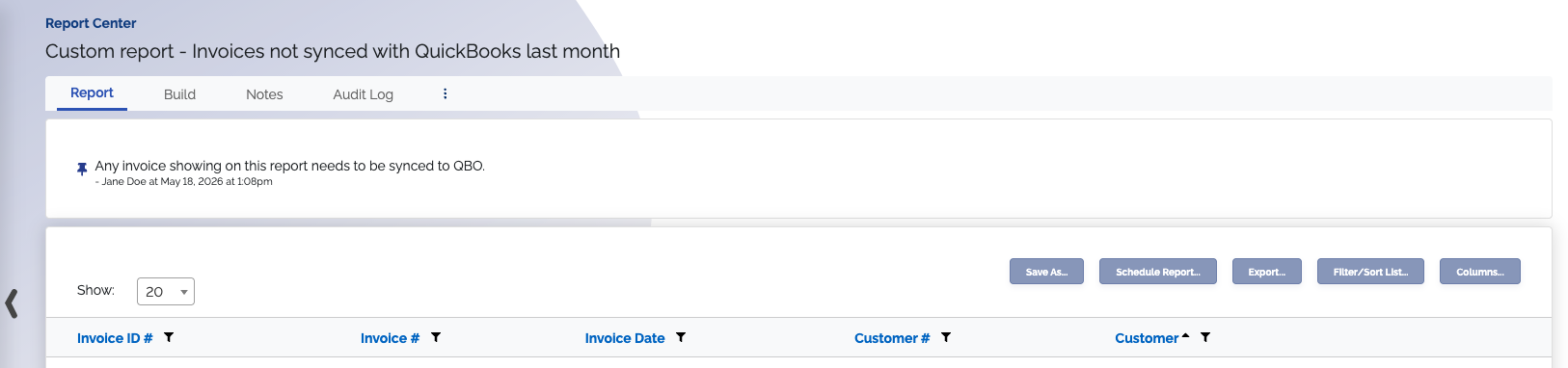
#Add notes to reports
There’s a new ability to add notes to custom reports. With this feature, you can pin a note so it stays at the top of your report, and you can change which note is pinned at any time. This can be helpful if you need to add more report information, or instructions for how to use your custom report in your workflow.
#New Xero and QBO invoices or payments not synced reports
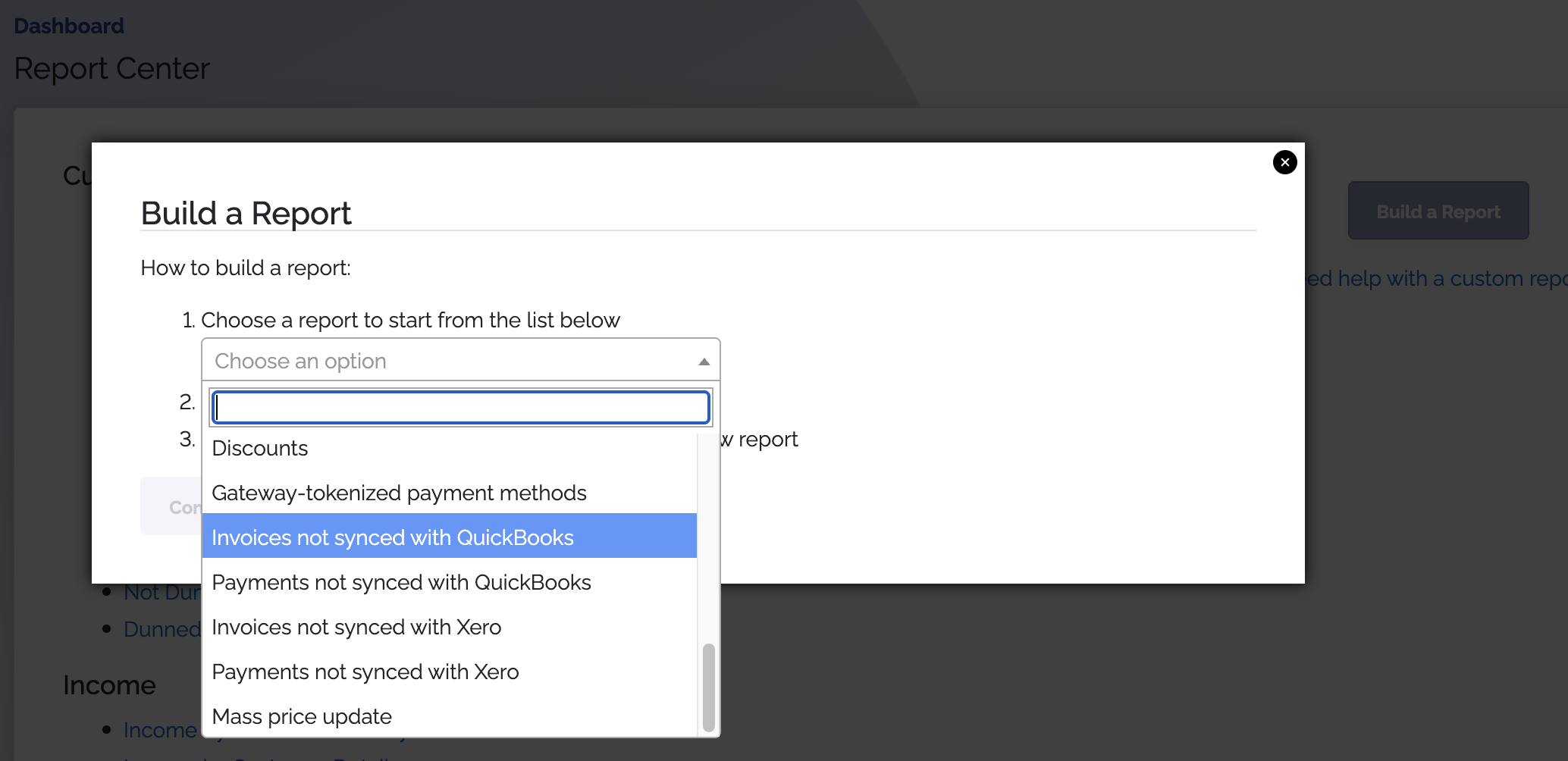
We've added some new reports you can utilize to build custom reports. These include:
- Invoices not synced to QBO
- Payments not synced to QBO
- Invoices not synced to Xero
- Payments not synced to Xero
Access these by clicking the Build a Report button in the Report Center, and selecting the report in the dropdown. These reports make it easier to troubleshoot why something may not be showing as expected in one of these integrations.
#Ability to disable credit card processing fees for debit cards
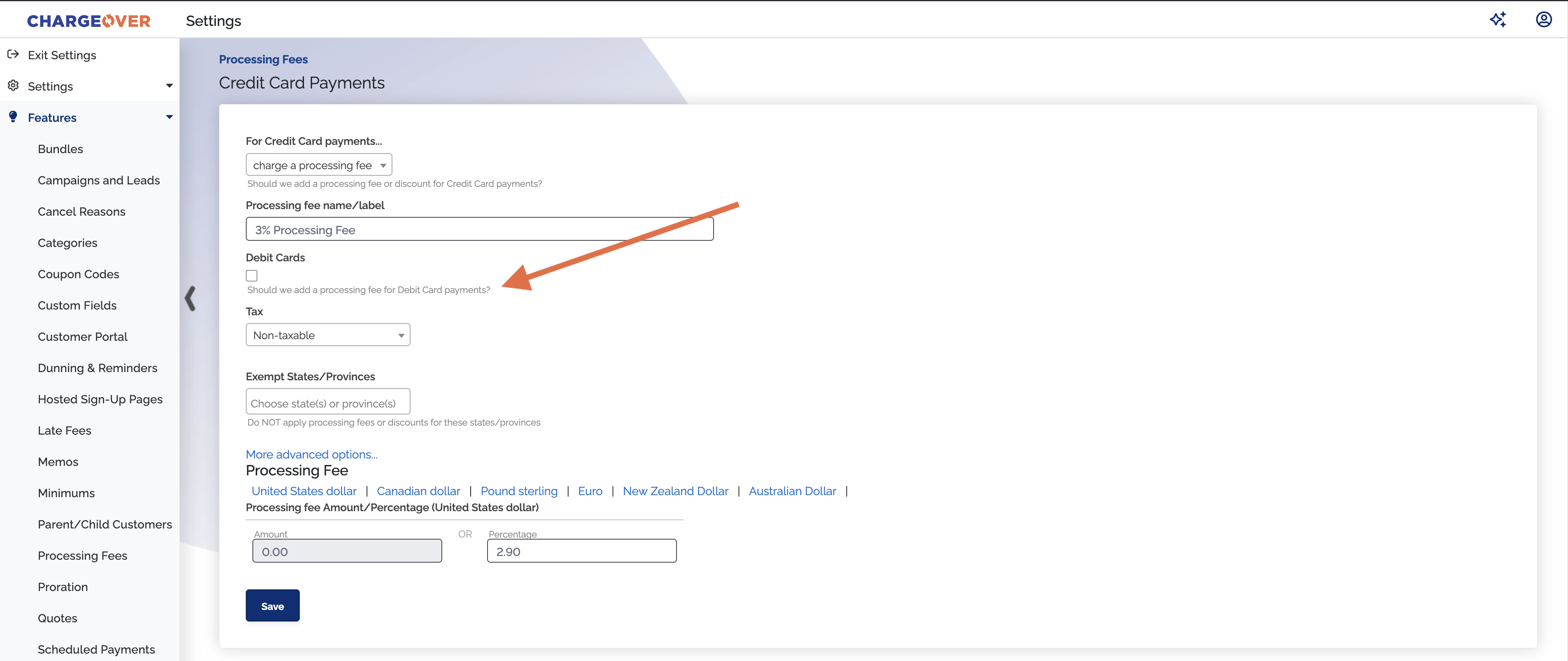
We've added the ability to disable credit card processing fees from being applied to debit cards. You can change this via the "Credit Card Payments" configuration page on the Processing Fees feature. When you disable debit cards on processing fees, processing fees will not be applied to any payment made with a debit card.
Some card providers and laws prohibit adding processing fees to debit cards. So, you can use this feature to ensure you abide by those laws while still using processing fees for credit cards.
#Ability to only charge a processing fee if the payment is over a set amount
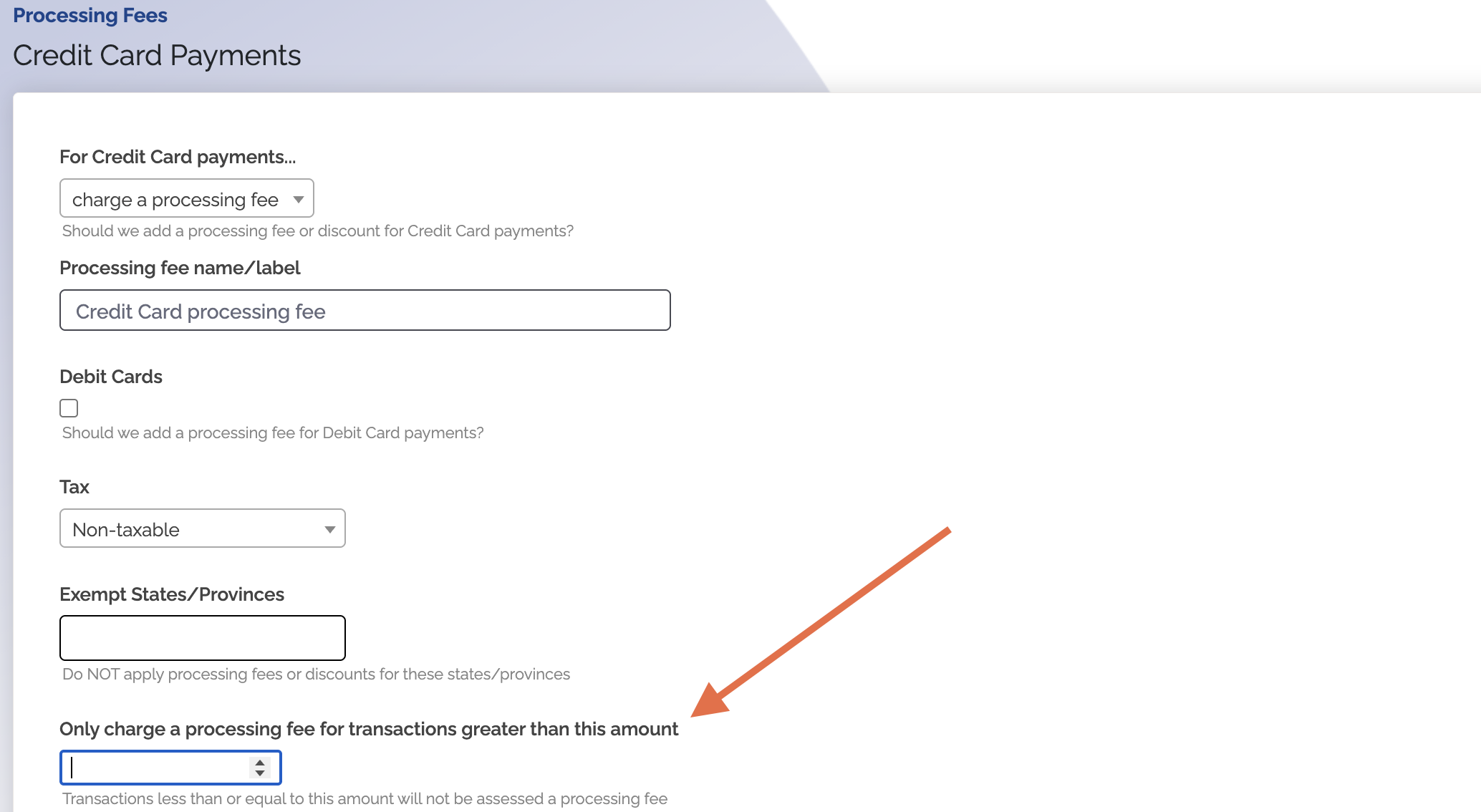
You can now choose to only charge processing fees if the payment is over a specific amount. Click "More advanced options…" on the Processing Fee configuration page to see this option. ChargeOver has long supported the ability to charge a processing fee - this helps merchants offset credit card merchant fees by passing those fees on to customers.
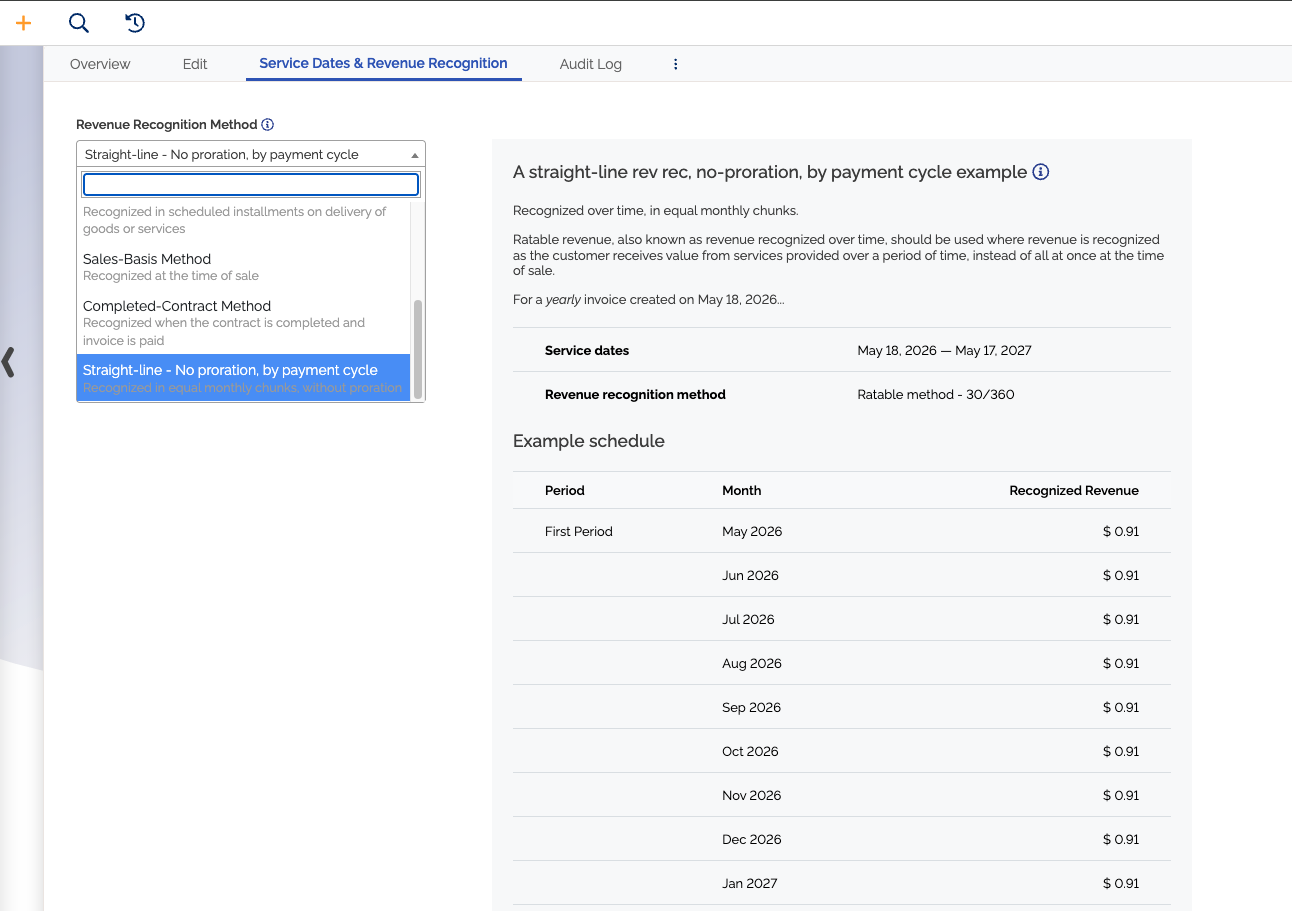
#New revenue recognition method "Straight-line - No proration, by payment cycle"
There's a new revenue recognition model for recognizing revenue as straight-line, equal monthly chunks, without proration. For example, a $300 quarterly invoice (3 month service period) would be recognized in 3 equal parts of $100 each, regardless or whether the invoice starts at the beginning of the first month or not.
This is useful for keeping for financial records accurate if you have customers receiving a service on a monthly basis, as opposed to receiving that service only when they pay the total amount due.
#Push auto-pay auth details from ChargeOver to Salesforce
ChargeOver can now push auto-pay authorization details into Salesforce. Once you configure ChargeOver to sync this information to Salesforce, you can easily access it directly in Salesforce alongside your other information, helping you minimize context switching between different tools.

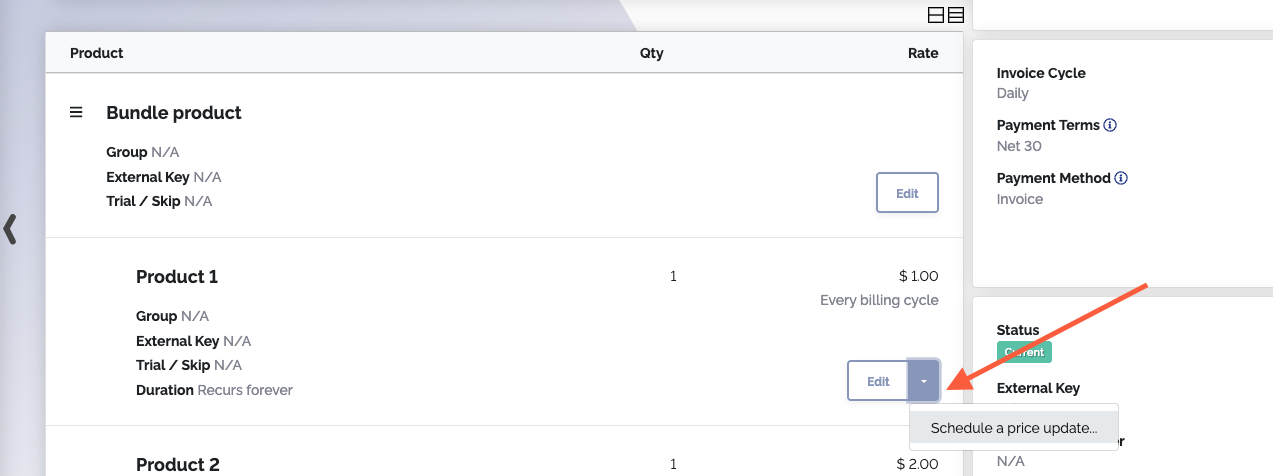
#Support for scheduling automatic price updates for bundle products on subscriptions
You can now schedule automatic price updates for specific bundle products on a subscription. If you need to update prices for subscription bundle products on a recurring basis, you no longer have to take time to do this manually. Just set a recurring scheduled price update for those items, and you're good to go.
#Other improvements
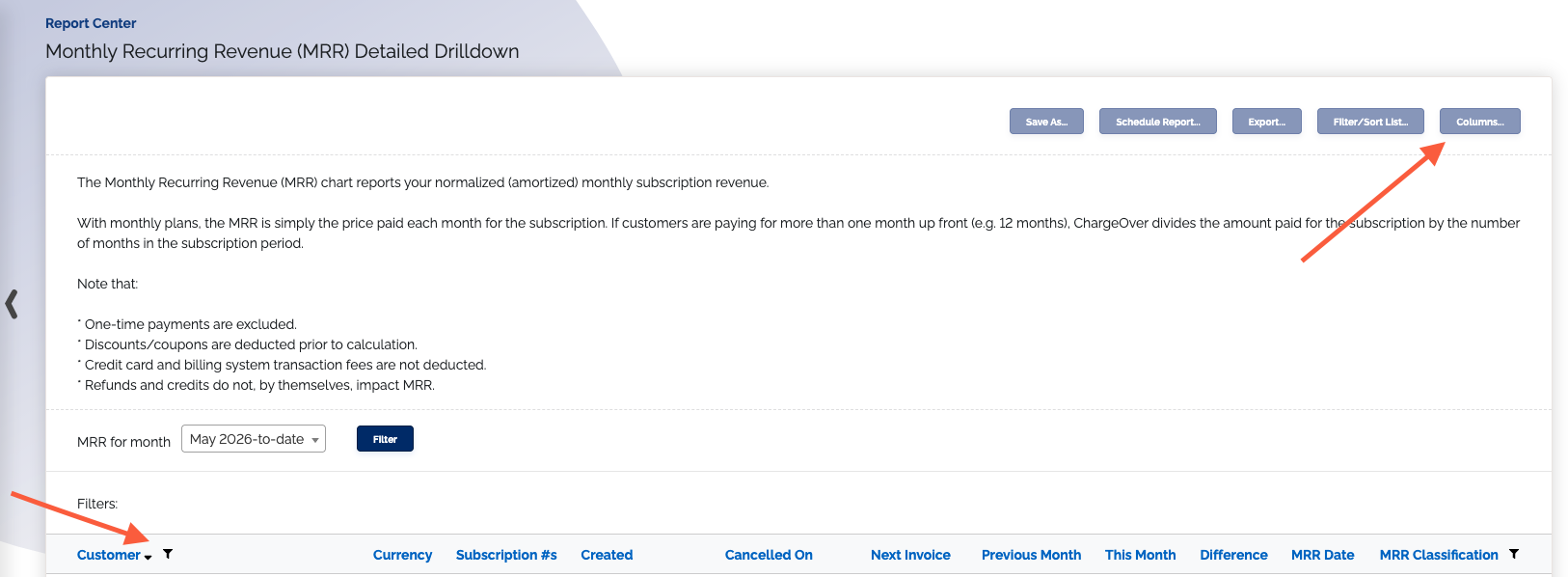
#MRR Detailed Drilldown report improvements
We've updated the MRR Detailed Drilldown report. You can now view MRR details for multiple currencies at a time, sort by columns, and choose which columns appear on the report. With more customizability, you can more easily see the data you’re looking for.
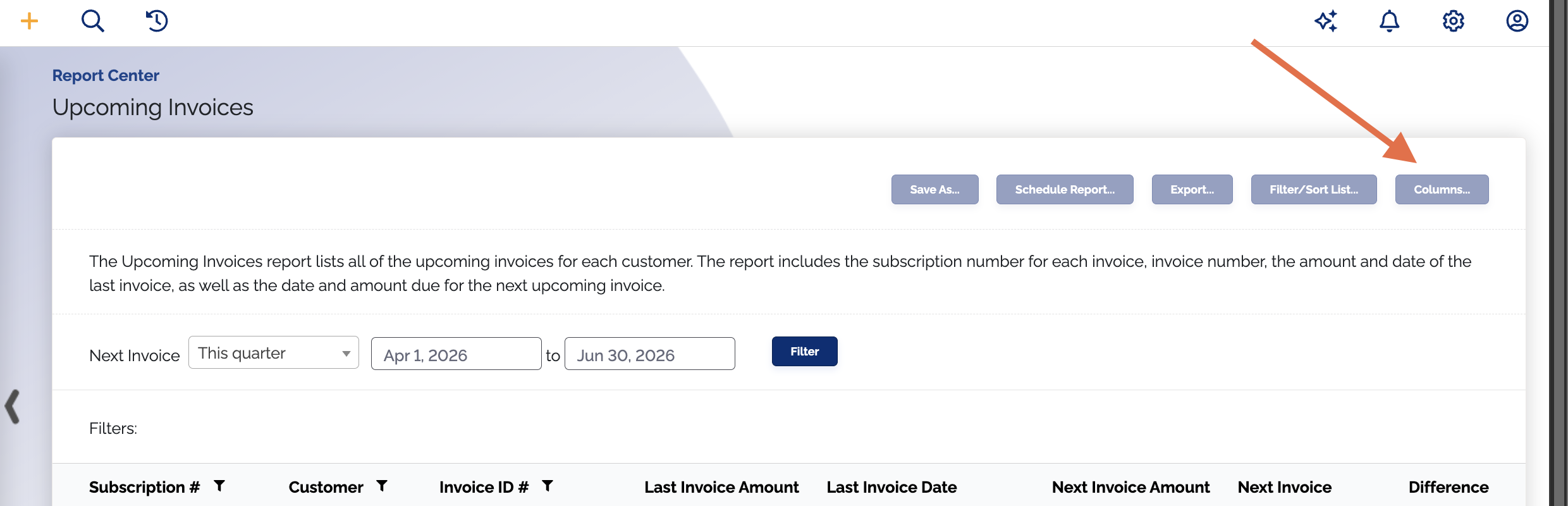
#Ability to choose columns in more built-in reports
Many more of the built-in reports can now be customized to show only the selected columns, with a columns... button. This means you can now build more meaningful custom reports from these built-in reports, that only show what you need them to.
#Improved error messaging when syncing to Salesforce
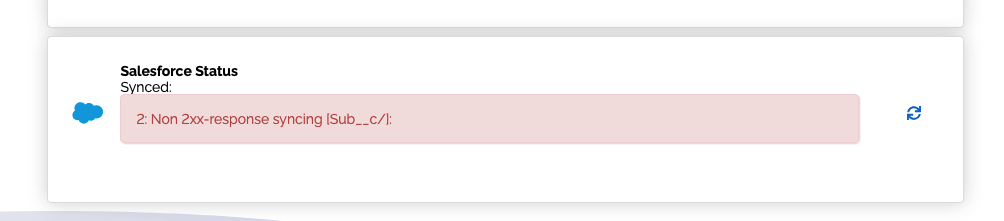
We've improved the reporting of errors if a subscription fails to sync to Salesforce successfully. Failed syncs now show the error message from Salesforce when you attempt to re-sync them, so you can immediately see what went wrong and save time on troubleshooting.
#Updated Avalara AvaTax integration to use newer API version
We've upgraded our AvaTax integration to use AvaTax v2 API. This integration looks and functions the same in ChargeOver, but it's now updated to AvaTax's current API version. That way there aren't any compatibility issues, and things can keep running smoothly on your end.

#AvaTax now uses billing address if there's no shipping address for tax calculations
When tax is calculated with AvaTax based on the shipping address, but there is no shipping address set, the billing address will now be used. This way there's a backup address to ensure taxes can be calculated.
#Bug fixes
- Updated our Stripe integration so we can still process ACH payments with Stripe
- Fixed an issue where emails regarding DKIM/SPF validation status were sent, when a custom SMTP server was being used and this validation was taking place outside of ChargeOver
- Fixed a bug where with custom automations, an event trigger condition for checking for a custom field would not save properly
- Fixed a bug where ‘NaN’ showed in the Monthly Recurring Revenue Summary report, rather than real data